Best Document Management Software for Law Firms: Security & Compliance

In today's legal landscape, the difference between a thriving practice and one buried in administrative drag isn't just about legal talent; it's about operational efficiency. Document management has evolved from digital filing cabinets into strategic command centers that govern how firms secure, find, and leverage case-critical information. An inadequate system creates bottlenecks, compromises security, and directly impacts profitability, while the right platform can unlock significant competitive advantages.
Choosing the right system is a critical decision that impacts everything from compliance and client service to your bottom line. This guide cuts through the marketing noise to provide a detailed, actionable analysis of the best document management software for law firms. We will help you identify the platform that aligns with your firm's specific size, practice area, and growth ambitions, from solo practitioners to large litigation teams. To delve deeper into the strategic advantages and operational benefits, understanding a modern cloud based document management system is key.
Our comprehensive review goes beyond feature lists to offer a clear, comparative look at the leading solutions. Inside, you'll find:
- Detailed profiles of top-tier platforms like NetDocuments, iManage, Clio, and specialized tools like Ares for personal injury workflows.
- Honest assessments of pros and cons for each option, including screenshots and direct links for further evaluation.
- Practical guidance on selecting a system based on firm size, security needs, and integration capabilities.
We will explore key evaluation criteria, compare top-tier solutions, and show you how to build a modern, efficient tech stack. This resource is designed to help you turn document chaos into a strategic asset.
1. Ares
Ares distinguishes itself not as a traditional, all-purpose document repository but as a specialized, AI-powered workflow engine designed to extract maximum value from a critical subset of legal documents: medical records. For personal injury firms drowning in disorganized, voluminous medical files, Ares provides an intelligent layer of automation that transforms raw data into strategic assets. It moves beyond simple storage, offering a sophisticated platform that automates the entire medical review and demand letter drafting process, making it an indispensable tool for high-volume PI practices.
This platform excels by focusing on a specific, high-friction workflow. Instead of just organizing PDFs, Ares uses AI to read, understand, and synthesize complex medical histories. It automatically extracts key information like diagnoses, treatment timelines, providers, and symptom chronologies, then compiles this data into concise, high-level summaries. This allows attorneys and paralegals to grasp the core facts of a case in minutes, not hours.
Key Differentiators and Use Cases
The primary strength of Ares lies in its dual-function capability, combining advanced document analysis with automated draft generation. Firms like Philbrook Law and McDonald & Cody leverage this to significantly accelerate case preparation. After uploading records via a simple drag-and-drop interface, the AI produces a comprehensive medical narrative and a polished, editable demand letter draft. This repeatable, four-step workflow (upload → analyze → generate → export) empowers firms to increase caseload capacity without sacrificing the quality or accuracy of their settlement demands.
Furthermore, its commitment to security is paramount for handling protected health information (PHI). Ares is a fully HIPAA-compliant platform built with enterprise-grade privacy controls, a critical consideration for any firm managing sensitive client data. To understand the nuances of this, you can learn more about what to look for in HIPAA-compliant document management systems on areslegal.ai.
Pros & Cons
| Pros | Cons |
|---|---|
| Massive Time Savings | No Public Pricing |
| Drastically reduces manual review by an average of 10+ hours per case, enabling higher caseloads. | Firms must contact Ares for plan details and a personalized ROI evaluation. |
| PI-Focused Automation | Requires Attorney Oversight |
| Intelligently extracts case-critical data and automates first drafts of demand letters for consistency. | AI outputs should be reviewed and confirmed by legal professionals to ensure strategic accuracy. |
| Enterprise-Grade Security | |
| HIPAA-compliant platform ensures the secure handling of sensitive client medical records. | |
| Proven Social Proof | |
| Trusted by leading personal injury firms for trial prep, organization, and stronger narrative building. |
Best For: Solo to high-volume personal injury law firms seeking to automate the labor-intensive process of medical record review and demand letter drafting to increase efficiency and caseload capacity.
2. NetDocuments
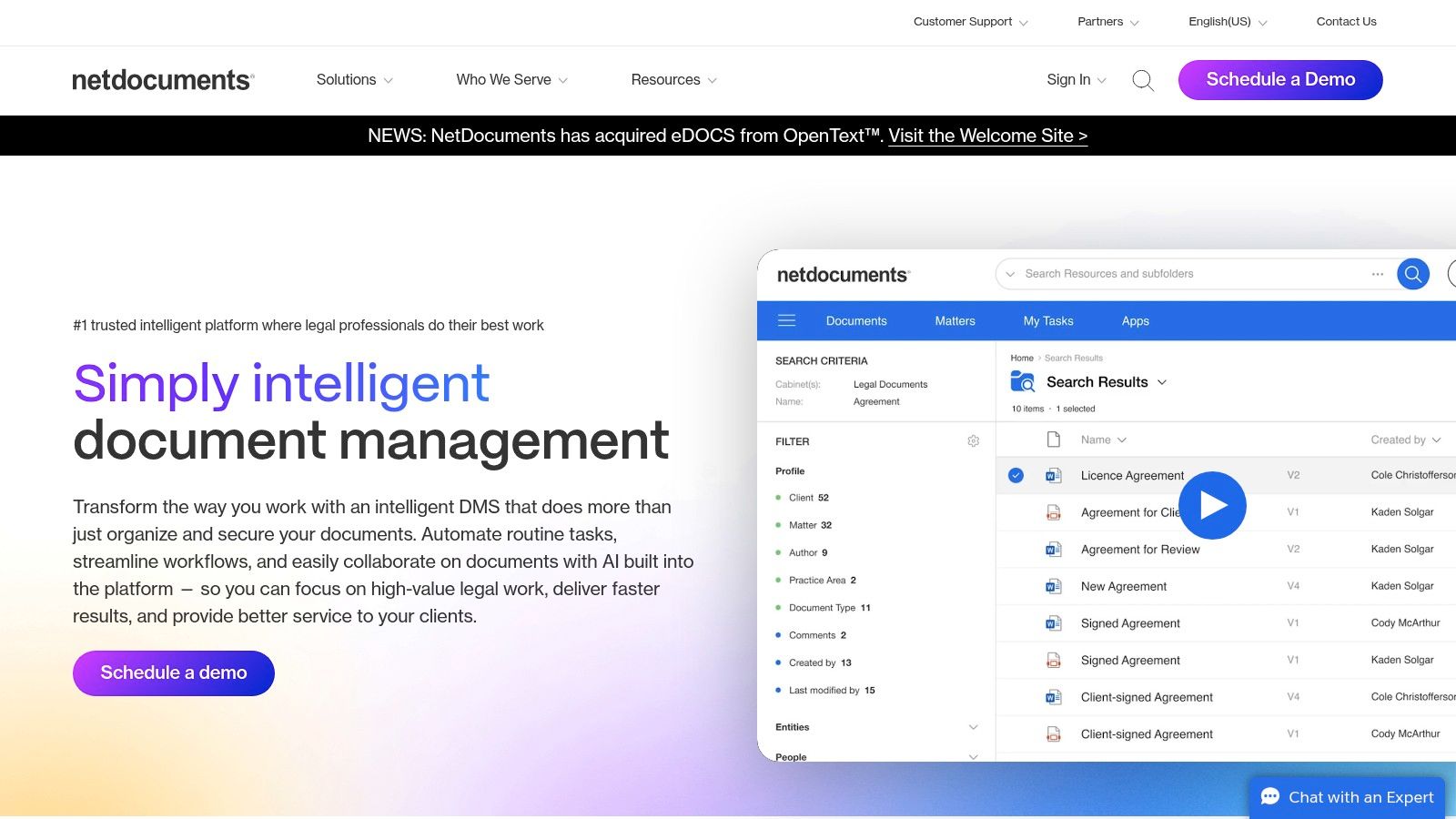
NetDocuments stands out as a pure, cloud-native solution built from the ground up specifically for the legal industry. This deep focus makes it a leading choice for firms that prioritize robust security, compliance, and matter-centric organization. Unlike general-purpose cloud storage, every feature is designed to address legal workflows, from automatic email filing to complex ethical wall enforcement.
Its strength lies in creating a single source of truth for all case-related documents and communications, which is critical for litigation and personal injury practices managing thousands of files per matter.
Key Features and Use Cases
NetDocuments excels in scalability, serving a wide range of clients from boutique practices to large, global firms without sacrificing performance. Its powerful search capabilities, augmented by AI, allow legal professionals to instantly locate specific clauses or key evidence across millions of documents. The platform's extensive integration ecosystem, featuring over 150 partners like Microsoft 365 and Adobe, ensures it fits seamlessly into a firm's existing tech stack. This comprehensive integration is crucial for firms aiming to streamline processes. For more information, you can explore how NetDocuments supports a connected and efficient practice by reading about advancements in legal workflow automation.
| Feature | Best For |
|---|---|
| Matter-Centric Organization | Firms needing to tie every document, email, and note to a specific client matter. |
| Enterprise-Grade Security | Practices handling sensitive client data that requires top-tier compliance and data governance. |
| Extensive Integrations | Law firms looking to connect their DMS with practice management, e-signature, and billing software. |
- Pros: Deep legal market focus, highly scalable, and a strong security and compliance posture.
- Cons: Pricing is quote-based and not publicly available, and implementation typically requires a structured, partner-led onboarding process.
- Website: https://www.netdocuments.com
3. iManage
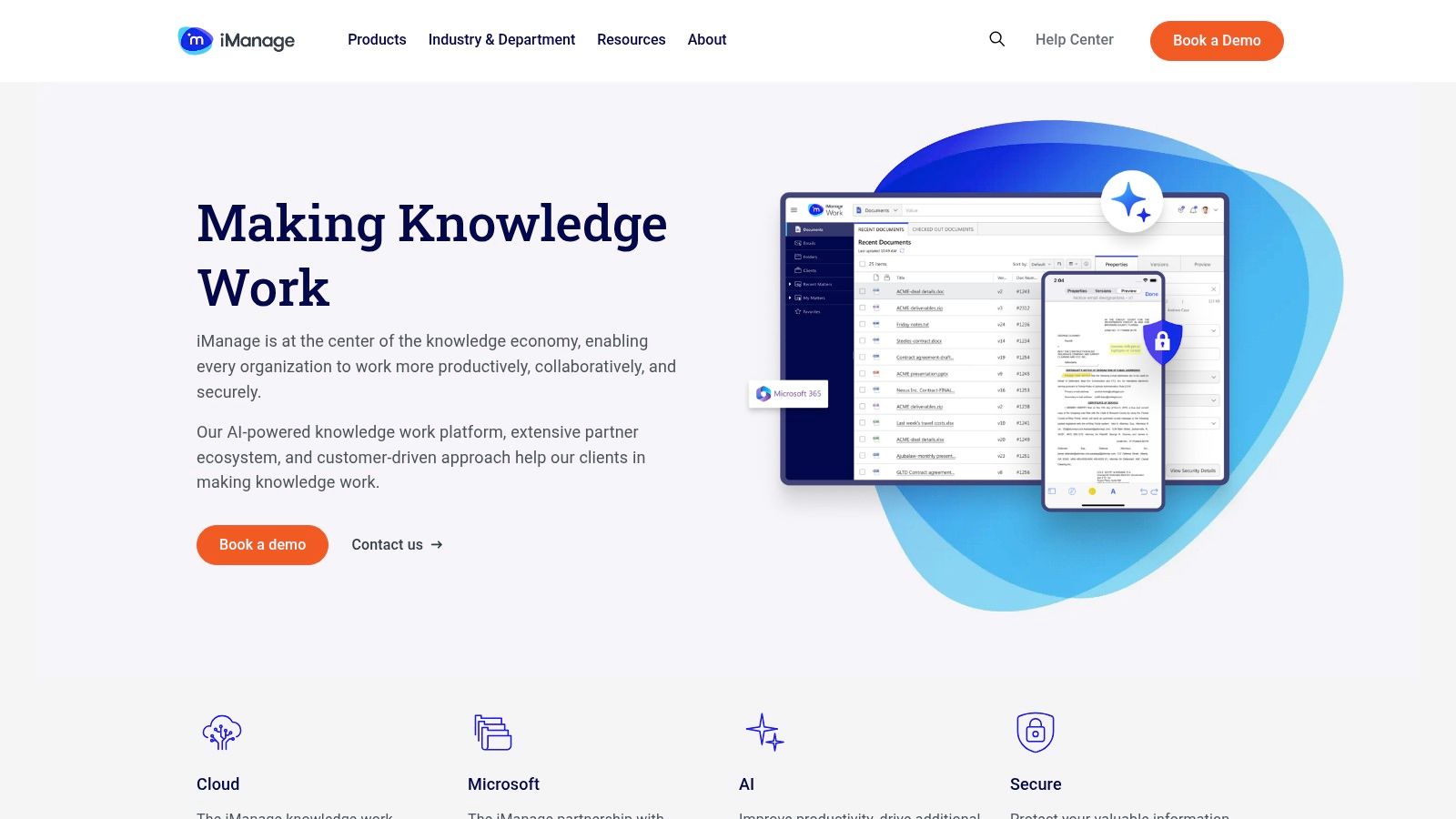
iManage has long been a dominant force in the legal technology space, offering a sophisticated platform for document and email management. Its strength lies in its deep integration with the Microsoft ecosystem, including real-time co-authoring in Office 365 and seamless collaboration within Teams. This makes it an ideal choice for mid-size to large firms that operate heavily within Microsoft's environment and require powerful governance and security controls at scale.
The platform is engineered around matter-centric workspaces, ensuring every piece of information is contextually organized. This is especially beneficial for complex litigation where version control and audit trails are non-negotiable.
Key Features and Use Cases
iManage Work 10 (Cloud) provides a robust feature set built on the Microsoft Azure cloud, emphasizing performance and security. Its advanced search capabilities allow legal professionals to quickly surface relevant documents, while its security model is designed with a zero-trust architecture to protect sensitive client data. The platform’s mobile apps ensure that attorneys can access and work on critical documents from anywhere, maintaining productivity outside the office. Secure external sharing via iManage Share allows for controlled collaboration with clients and co-counsel, which is vital for managing case files efficiently and securely. This comprehensive suite of tools solidifies its position as one of the best document management software for law firms that require enterprise-level functionality.
| Feature | Best For |
|---|---|
| Microsoft 365/Teams Integration | Firms looking for deep, native collaboration within their existing Microsoft tools. |
| Robust Governance and Security | Large firms and corporate legal departments with strict compliance and data protection needs. |
| Matter-Centric Workspaces | Practices that need to meticulously organize all documents, emails, and notes by client matter. |
- Pros: Powerful search and governance at scale, strong collaboration features, and a mature security model.
- Cons: No public pricing is available and procurement often involves partners; requires heavier change management for firms new to a DMS.
- Website: https://www.imanage.com
4. LexWorkplace (Uptime Legal)
LexWorkplace, from the team at Uptime Legal, is a cloud-based document management system built exclusively for law firms. It distinguishes itself with transparent, per-user pricing and a straightforward, legal-centric approach. The platform is designed to be a direct, accessible alternative to more complex enterprise systems, focusing on core legal needs like matter-based organization and seamless email management.
Its appeal lies in providing a purpose-built environment without the enterprise-level overhead, making it an excellent choice for small to mid-sized firms seeking an intuitive and secure DMS. The system ensures that all documents and communications are neatly organized within their respective matter workspaces.
Key Features and Use Cases
LexWorkplace is particularly effective for firms that want to modernize their document handling without a steep learning curve. Key functionalities like built-in OCR for full-text searchability and native document comparison tools (on the Advanced plan) directly address common legal tasks. Its Document AI and powerful search help legal professionals quickly locate specific files or text, improving efficiency. The company also offers managed data migration and onboarding, simplifying the transition from server-based or generic cloud storage solutions.
| Feature | Best For |
|---|---|
| Matter-Centric Workspaces | Firms needing to centralize all documents and emails related to specific cases. |
| Transparent Pricing & Terms | Practices that prefer clear, predictable costs and flexible month-to-month agreements. |
| Built-in Legal Tools | Teams that require integrated OCR and document comparison without third-party software. |
- Pros: Clear, published pricing, month-to-month terms and easy data export, and designed specifically for legal workflows.
- Cons: Smaller integration ecosystem compared with iManage or NetDocuments, and advanced features require higher-tier plans.
- Website: https://lexworkplace.com
5. Clio
Clio is best known as a comprehensive legal practice management solution, but it includes robust, built-in document management capabilities that make it a compelling all-in-one option. Rather than being a pure-play DMS, Clio integrates document handling directly into its case management, billing, and client relationship workflows. This unified approach is ideal for solos and small to mid-sized firms looking to streamline their entire tech stack with a single platform.
Its strength is the seamless connection between a document and its corresponding matter, client, and billing entry. This creates a cohesive operational environment where every piece of information is interconnected, reducing administrative friction and the need to juggle multiple disconnected applications.
Key Features and Use Cases
Clio offers a full suite of tools, including unlimited cloud storage, version control, and document automation with templates. Its secure client portal facilitates easy and safe file sharing, while integrated e-signature capabilities streamline the execution of important legal documents. With over 250 integrations, including with Microsoft 365 and Dropbox, Clio ensures that firms can connect their essential tools. For firms exploring all-in-one solutions, Clio is a top contender among the best legal practice management software. The platform also offers optional add-ons like Clio Grow for intake and its AI assistant for document summarization and drafting.
| Feature | Best For |
|---|---|
| Integrated Practice Management | Firms wanting a single solution for documents, billing, and case management. |
| Client Portal & E-Signatures | Practices focused on modernizing client communication and document execution. |
| Extensive App Marketplace | Law firms needing to connect their core platform with specialized third-party tools. |
- Pros: Transparent tiered pricing with free trials, broad ecosystem and app marketplace, and strong support and training resources.
- Cons: Advanced automation and AI features are additional paid add-ons, and it's not a pure DMS, which may not suit firms with highly complex document needs.
- Website: https://www.clio.com
6. MyCase
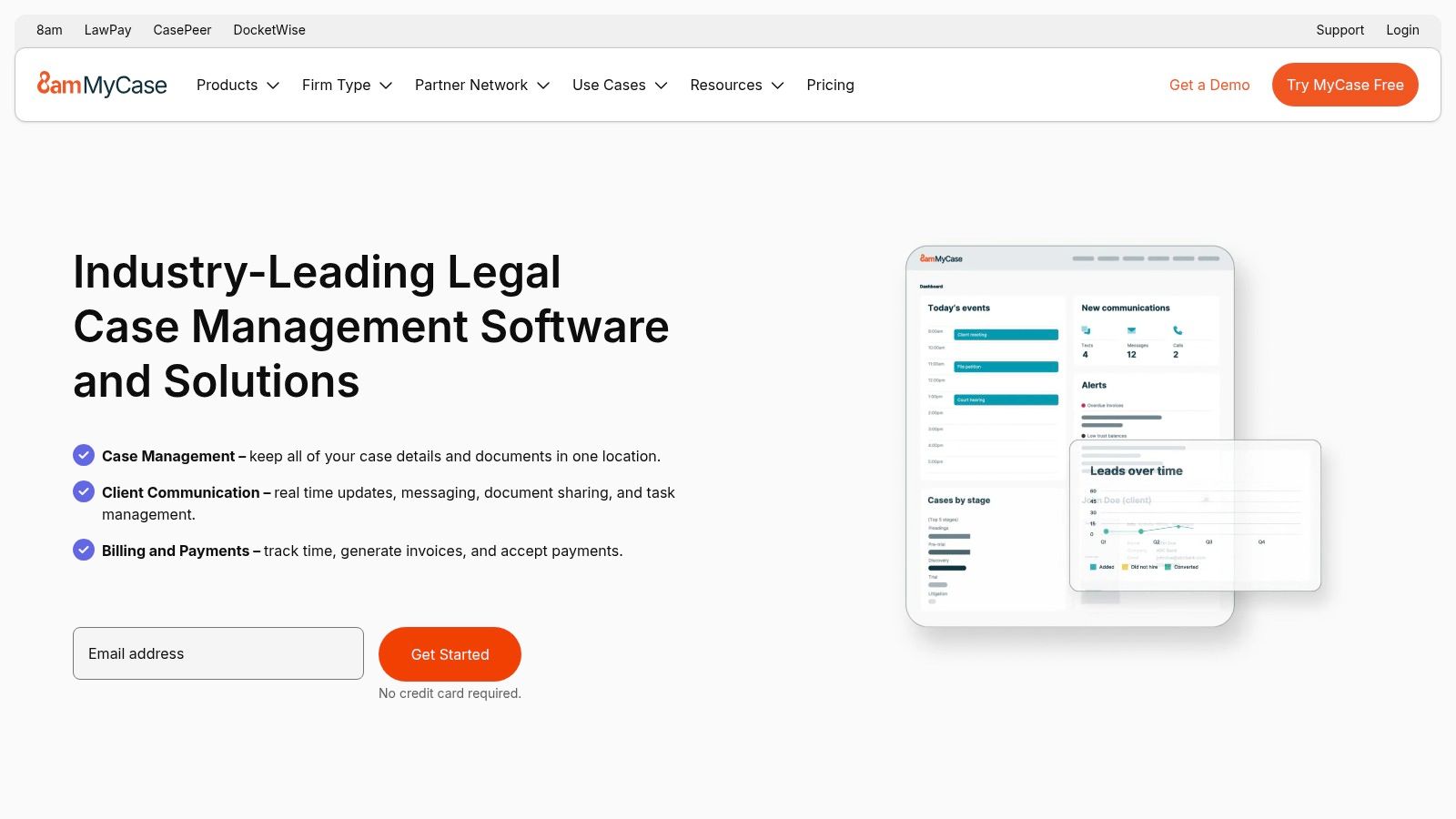
MyCase is an all-in-one law practice management solution where document management is a core, integrated component rather than a standalone feature. This makes it an ideal choice for small to midsize firms seeking a single platform to handle cases, billing, client communication, and document storage. Its main appeal is bundling these essential functions into an accessible, user-friendly package, eliminating the need to piece together multiple disparate systems.
The platform provides unlimited document storage, which is a significant value proposition for growing practices, especially those in personal injury or litigation that generate high volumes of files. It focuses on centralizing case information and streamlining client collaboration.
Key Features and Use Cases
MyCase’s document management system is designed for practicality and ease of use, making it one of the best document management software for law firms that prioritize quick adoption and simplicity. The client portal is a standout feature, enabling attorneys to securely share case files, send messages, and receive payments, which significantly enhances the client experience and reduces administrative overhead. Its built-in version history ensures that firms can track changes and revert to previous document states when necessary.
The platform's native eSignature and payment processing capabilities further streamline workflows, allowing firms to manage the entire client lifecycle from a single dashboard.
| Feature | Best For |
|---|---|
| Integrated Practice Management | Firms wanting a single solution for documents, billing, and client communication. |
| Unlimited Cloud Storage | Small and midsize practices looking for predictable costs without storage limitations. |
| Secure Client Portal | Attorneys who need a simple, secure method for exchanging documents and messages with clients. |
- Pros: Unlimited storage included, simple onboarding with a free trial available, and good value for firms needing an all-in-one solution.
- Cons: Tiered pricing can be complex with some features as add-ons, and it has narrower enterprise governance than dedicated DMS solutions.
- Website: https://www.mycase.com
7. CARET Legal (formerly Zola Suite)
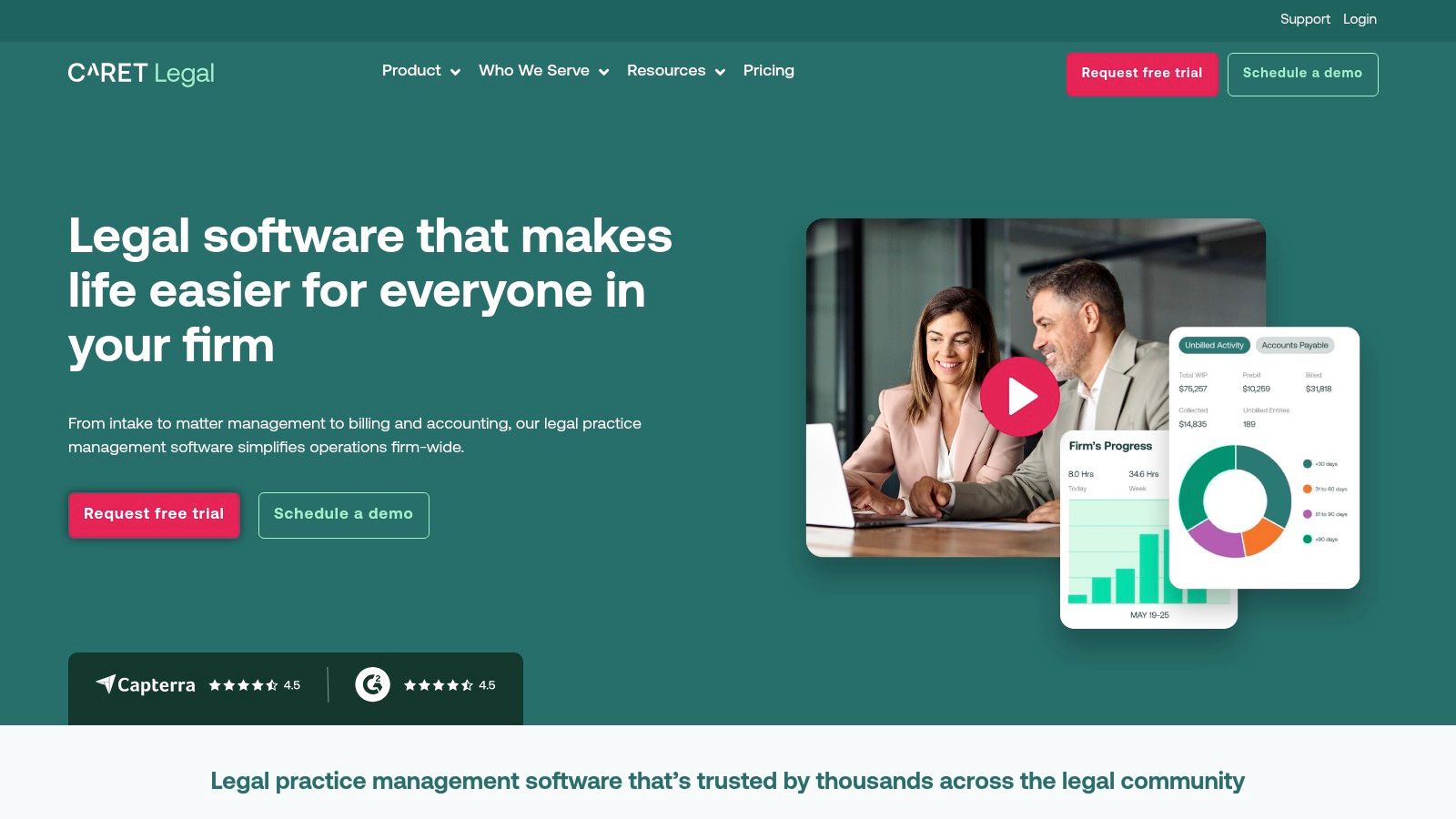
CARET Legal offers an all-in-one practice management solution where document management is a core, integrated component rather than a standalone feature. This platform is built for firms seeking to consolidate their tech stack, combining document storage with native email, robust billing and accounting, and client relationship management into a single interface. Its primary value is in providing a unified system that eliminates the need for separate subscriptions and integrations.
The platform's design philosophy centers on end-to-end matter management, making it an excellent choice for firms that want to track every document, email, and billable hour within one ecosystem. This integrated approach simplifies workflows and provides a holistic view of firm operations.
Key Features and Use Cases
CARET Legal excels at reducing operational friction by keeping essential functions under one roof. Features like automated document workflows and version control are seamlessly tied to matter files, which also contain all related emails, notes, and financial data. Its built-in accounting system, complete with LEDES billing support, is a significant advantage for firms that handle complex corporate or insurance defense cases, streamlining the entire invoicing process.
The platform's transparent pricing and unlimited document storage on its higher-tier plans make it one of the more predictable options for growing firms. While it may have a learning curve due to its extensive feature set, the long-term benefit is a deeply interconnected system that enhances efficiency across the entire firm. This makes it a strong contender for the best document management software for law firms that value an all-in-one approach.
| Feature | Best For |
|---|---|
| Integrated Practice Management | Firms wanting to replace multiple disjointed systems with a single, unified platform. |
| Built-in Billing and Accounting | Practices that need comprehensive financial tools, including trust accounting and LEDES billing, tied to their DMS. |
| Automated Workflows | Teams looking to standardize processes for document creation, review, and storage across all matters. |
- Pros: Transparent plan pricing and 24/7 support, strong built-in features reduce reliance on third-party apps, and end-to-end functionality.
- Cons: Implementation fees apply, and the interface's depth may require dedicated user training.
- Website: https://www.caretlegal.com
8. Smokeball
Smokeball offers a unique blend of legal practice management and robust document automation, making it a powerful choice for firms that are document-intensive. It is particularly strong for personal injury and plaintiff-side practices that rely on high-volume document generation. The platform’s core strength is its deep integration with Microsoft Office, allowing legal professionals to create, manage, and store documents directly within familiar applications like Word and Outlook.
Its standout feature, an extensive library of over 20,000 legal forms, streamlines the creation of everything from simple letters to complex pleadings, ensuring both accuracy and efficiency. This makes Smokeball one of the best document management software for law firms focused on productivity.
Key Features and Use Cases
Smokeball’s approach goes beyond simple storage by automating time-consuming tasks. The AutoTime feature automatically tracks time spent working on documents, emails, and other activities within the platform, capturing billable hours that might otherwise be missed. This provides firms with invaluable insights into profitability per matter. The platform also includes a secure client portal, which facilitates seamless communication and document sharing with clients. While it is a Windows-first application, its cloud and web access provide flexibility for Mac users.
| Feature | Best For |
|---|---|
| Document Automation & Forms Library | Firms requiring rapid generation of standardized legal documents and forms. |
| Automatic Time Capture | Practices aiming to maximize billable hours and gain insights into matter profitability. |
| Deep Microsoft Office Integration | Teams that live in Outlook and Word and want a seamless workflow without toggling between apps. |
- Pros: Powerful document assembly for high-volume matters, strong training and implementation support, and partnerships with state bars expand access.
- Cons: Pricing is quote-based (no public list prices), and the primary experience is optimized for Windows.
- Website: https://www.smokeball.com
9. Filevine
Filevine is a comprehensive case and document management platform engineered specifically for litigation and personal injury firms. It goes beyond simple document storage by integrating a suite of tools designed to manage the entire lifecycle of a case, from intake to settlement. Its core strength lies in its ability to automate workflows and provide specialized features like DemandsAI, making it a powerful ally for practices that handle high volumes of complex cases.
The platform centralizes all case files, communications, and deadlines into a single, collaborative hub. This matter-centric approach is ideal for personal injury lawyers who need immediate access to medical records, evidence, and client correspondence without navigating disparate systems.
Key Features and Use Cases
Filevine's modular design allows firms to build a customized tech stack, adding components like Lead Docket for intake management, Vinesign for integrated e-signatures, and Outlaw for contract lifecycle management. Its AI-powered tools, particularly DemandsAI, accelerate the demand letter drafting process by automatically summarizing medical records and calculating damages. This positions Filevine as one of the best document management software for law firms focused on maximizing efficiency in personal injury workflows. The platform also offers robust training and support through its "Filevine University," helping teams master its extensive feature set.
| Feature | Best For |
|---|---|
| Integrated AI and Automation | Personal injury firms wanting to accelerate demand letter creation and automate case workflows. |
| Modular Product Suite | Practices looking for an all-in-one solution that covers intake, case management, and e-signatures. |
| Unlimited Storage Tiers | Litigation-heavy firms that manage a high volume of documents and evidence per case. |
- Pros: Strong PI-specific capabilities and tools, modular product stack (Lead Docket, Vinesign, Outlaw), and extensive university/training resources for users.
- Cons: Pricing is not publicly listed; custom quotes are required, and the feature set can feel broad or complex for simple needs.
- Website: https://www.filevine.com
10. Actionstep
Actionstep is a comprehensive, workflow-driven practice management system that includes powerful document management capabilities. It’s built around the idea that every legal matter follows a process, and its strength lies in automating the steps and associated documents along the way. This makes it an ideal choice for firms that want to standardize procedures for intake, case progression, and closing matters.
Its integrated approach means documents live within the same ecosystem as contacts, calendars, tasks, and even billing. For North American firms, its optional built-in accounting module provides a truly all-in-one solution, eliminating the need for separate software.

Key Features and Use Cases
Actionstep’s core differentiator is its highly configurable workflow automation. Firms can design custom matter stages, create automated tasks, and trigger document assembly based on specific events, ensuring consistency and reducing manual error. This makes it a strong contender among the best document management software for law firms that handle high-volume, process-oriented work like personal injury or immigration cases. The secure client portal facilitates seamless document exchange, further streamlining communication.
| Feature | Best For |
|---|---|
| Workflow Automation | Firms that need to standardize and automate document-heavy processes across different case types. |
| Document Assembly | Practices that frequently generate templated documents like engagement letters, motions, and discovery requests. |
| All-in-One Platform | Mid-sized firms seeking a single system for practice management, DMS, and full accounting (in North America). |
- Pros: Highly configurable workflows, end-to-end practice coverage, and U.S.-specific accounting availability for NA customers.
- Cons: Pricing is request-only and implementation fees may apply, and it may be too robust for solo practitioners.
- Website: https://www.actionstep.com
11. PracticePanther
PracticePanther is an all-in-one legal practice management platform that includes robust document management capabilities. It’s an ideal choice for firms seeking a unified system to handle cases, billing, and documents, eliminating the need for separate software. Its appeal lies in its simplicity and comprehensive feature set, offering unlimited data storage across all plans and integrating key functions like e-payments, document templates, and e-signatures directly into the workflow.
This integrated approach makes it one of the best document management software for law firms that want an easy path to organization. By linking every document directly to its corresponding matter, it ensures all case-related files are centralized and easily searchable, which is particularly beneficial for small to mid-sized firms.
Key Features and Use Cases
PracticePanther’s strength is its user-friendly interface and quick setup, supported by included templates and migration assistance. The platform offers features like matter-centric document organization, custom document templates, and built-in workflows that automate routine tasks. Its integrated client portal and mobile apps provide secure communication and on-the-go access to case files, enhancing both client service and firm mobility. The built-in payments and LEDES billing streamline the financial side of case management.
| Feature | Best For |
|---|---|
| All-in-One Platform | Firms wanting to manage cases, billing, and documents within a single, unified system. |
| Unlimited Storage | Practices that are growing and want predictable costs without worrying about data limits. |
| Integrated Client Portal | Firms focused on improving client communication and providing secure, on-demand case access. |
- Pros: Public, tiered pricing with easy trial options, quick to implement, and includes unlimited storage.
- Cons: Document governance is less granular than dedicated DMS platforms, and some advanced features are locked behind higher-priced tiers.
- Website: https://www.practicepanther.com
12. G2 — Legal Document Management category
G2 is not a software provider but a crucial research hub for legal professionals evaluating technology. Its Legal Document Management category offers a comprehensive, real-time comparison of market leaders and niche players, driven entirely by verified user reviews. This peer-to-peer insight provides an unfiltered look into how different platforms perform in real-world law firm environments.
For a firm just starting its search, G2 serves as an essential shortlisting tool. It allows decision-makers to move beyond marketing claims and see how software actually functions, which is invaluable when choosing the best document management software for law firms. The platform’s detailed feature grids and satisfaction ratings help validate vendor promises against actual user experiences.
Key Features and Use Cases
G2’s primary value lies in its crowdsourced data and powerful filtering capabilities. Users can narrow down options by firm size, specific feature requirements, user satisfaction scores, and integration needs, making it easy to create a tailored list of potential vendors. The platform’s comparison grids allow for a direct, side-by-side evaluation of up to four products, highlighting key differences in features, pricing models, and user feedback. This granular comparison is particularly useful for practice managers and IT leaders tasked with making a well-researched purchasing decision.
| Feature | Best For |
|---|---|
| Crowdsourced User Reviews | Firms wanting to validate vendor claims with authentic feedback from legal peers. |
| Side-by-Side Comparisons | Teams needing to directly compare the features and satisfaction ratings of shortlisted software. |
| Market Research & Discovery | Discovering emerging alternatives and understanding the competitive landscape beyond the well-known names. |
- Pros: Offers genuine user feedback, provides excellent tools for discovering and comparing alternatives, and data is continuously updated.
- Cons: Review depth and recency can be inconsistent, and vendor placement or featured reviews may be influenced by sponsorships.
- Website: https://www.g2.com/categories/legal-document-management
Top 12 Legal Document Management Comparison
| Product | Core features | UX & quality | Value / ROI | Target audience | Price / Key differentiator |
|---|---|---|---|---|---|
| Ares (Recommended) | PI-focused AI extraction of medical records; auto demand drafting; drag‑and‑drop workflow; exportable medical summaries | HIPAA-compliant; enterprise security; firms report ~10+ hrs saved per case | Increases caseload capacity; faster, more consistent demand preparation | Personal-injury firms — solos to high-volume practices | Contact for demo/quote; unique: PI-tuned models + combined record review & demand automation |
| NetDocuments | Matter-centric DMS, email management, 150+ integrations, AI-assisted search | 99.9% uptime; strong governance & security | Scales to large firms; centralized document control | Boutique to AmLaw firms and legal orgs | Quote-based pricing; deep legal ecosystem & integrations |
| iManage | Document/email DMS, version control, Azure cloud, mobile apps | Powerful search, governance, Teams/MS365 integration | Enterprise-grade collaboration & compliance | Midsize to large / enterprise law firms | Quote/partner procurement; mature governance and search |
| LexWorkplace (Uptime Legal) | Cloud DMS, OCR, document comparison (Advanced), managed migration | Law-focused UX; clear onboarding and export tools | Predictable costs; easy vendor exit | Law firms needing straightforward, legal-centric DMS | Published pricing; month-to-month; legal-first feature set |
| Clio | Practice management + document storage, templates, e-sign, optional AI add-ons | Transparent tiers, strong support, 250+ integrations | All-in-one platform reduces tool sprawl | Solos to multi-attorney firms | Tiered pricing with trials; optional paid AI add-ons |
| MyCase | Cloud DMS, client portal, e-payments, mobile access | Unlimited storage option; simple onboarding & trial | Good value for small/mid firms; bundled features | Small to midsize firms | Tiered pricing; unlimited storage included on plans |
| CARET Legal (formerly Zola Suite) | Native doc editing, matter storage, workflows, built-in accounting & billing | 24/7 support; transparent plans | Reduces need for third-party apps; end-to-end management | Firms wanting integrated billing & analytics | Published pricing; built-in accounting & analytics |
| Smokeball | Document assembly, deep Office integrations, 20k+ forms, AutoTime | Strong training/implementation; Windows-first experience | High-volume document generation and automatic time capture | Plaintiff/PI teams and high-volume practices | Quote-based; extensive forms library + AutoTime |
| Filevine | Case & DMS, DemandsAI, Vinesign e-sign, intake/CRM, automation | PI-specialized tools; training resources & modules | Modular PI workflows; automated demand drafting (DemandsAI) | Litigation and personal-injury practices | Custom quotes; PI-centric feature stack |
| Actionstep | Workflow-driven PM, document assembly, intake/forms, optional accounting | Highly configurable workflows; end-to-end coverage | Automates complex matter workflows; scalable | Midsize firms needing configurable processes | Request pricing; strong workflow configurability |
| PracticePanther | Practice management, templates, unlimited storage, e-payments | Quick start; public tiered pricing and trials | Simple, affordable path to organized documents | Firms seeking easy, all-in-one solution | Public tiered pricing; unlimited storage across plans |
| G2 — Legal Document Management category | Crowdsourced reviews, feature grids, filters, vendor links | Continuously updated user scores & reports | Helps shortlist and validate vendor claims | Buyers researching and comparing DMS options | Free research hub; community-driven reviews and comparison data |
From Filing Cabinet to Strategic Hub: Your Next Steps
Choosing the right legal document management software is one of the most consequential technology decisions your law firm will make. As we've detailed, the market offers a diverse range of solutions, from dedicated, security-first platforms like iManage and NetDocuments to comprehensive legal practice management systems like Clio, MyCase, and Filevine that embed DMS capabilities within a broader operational framework. The journey from cluttered servers and physical filing cabinets to a secure, centralized, and intelligent digital hub is not just an upgrade; it's a fundamental transformation of your firm's operational core.
The key takeaway is that the best document management software for law firms is not a one-size-fits-all solution. A solo practitioner or small firm might find the all-in-one convenience of Smokeball or CARET Legal perfectly suited to their needs, while a mid-sized litigation firm will likely gravitate toward the robust, dedicated features of LexWorkplace. For larger firms with complex compliance and security requirements, iManage or NetDocuments often remain the industry standard.
Making the Right Choice: A Practical Framework
Your selection process should be a strategic exercise, not just a feature comparison. To ensure you invest in a platform that will grow with you, ground your decision-making in these core principles:
- Prioritize Security and Compliance: This is non-negotiable. Your chosen DMS must offer robust encryption, granular access controls, and a detailed audit trail to protect client confidentiality and meet ethical obligations.
- Focus on Integration Capabilities: Your DMS does not operate in a vacuum. Assess how well it integrates with your existing tools, including your billing software, email client (especially Outlook), and e-signature platforms. This ecosystem approach prevents data silos and streamlines workflows.
- Evaluate the User Experience (UX): The most powerful software is useless if your team finds it cumbersome. During demos, pay close attention to the ease of document search, the logic of the folder structure, and the simplicity of version control. A system that attorneys and paralegals will actually use is the only one worth considering.
- Plan for Implementation and Migration: Migrating decades of documents is a significant undertaking. Question vendors thoroughly about their data migration process, the support they provide, and the expected timeline and costs. A well-executed migration is critical to a successful launch.
From Document Storage to Strategic Advantage
Ultimately, modernizing your document management is about more than just organization. It's about turning your firm's collective work product into an accessible, strategic asset. By centralizing your documents, you create a single source of truth that powers everything from drafting new motions to responding to discovery requests.
To truly transform your firm's documents from static files into a dynamic, strategic asset, it's essential to implement robust knowledge management principles. Explore effective knowledge management best practices to optimize how your firm captures, organizes, and leverages its valuable content. This mindset shift is what separates a digital filing cabinet from a true strategic hub that fuels efficiency and improves client outcomes.
The right technology stack, anchored by a powerful DMS, empowers your firm to move faster, collaborate more effectively, and focus on high-value legal work. The investment you make today in a document management system is an investment in your firm's future scalability, security, and profitability.
Ready to supercharge your document management workflow? Ares integrates seamlessly with your DMS to automate the tedious process of medical record review, chronology creation, and demand letter drafting for personal injury cases. See how Ares can help your firm turn unstructured medical data into actionable insights, saving your team hundreds of hours.