
In 2025, the competitive advantage for law firms, especially personal injury practices, no longer comes from working harder-it comes from working smarter. Manual document drafting, from initial client intake forms to complex demand letters and discovery requests, is a significant bottleneck. This repetitive work consumes valuable hours, introduces a high risk of costly human error, and slows down case velocity, directly impacting revenue and client satisfaction.
The shift to automation is not merely about efficiency; it is a strategic necessity for scaling a modern practice. By replacing manual copy-and-paste tasks with intelligent, template-driven systems, firms can ensure consistency, reduce non-billable administrative time, and accelerate case progression. For a deeper dive into the foundational concepts, exploring resources on document workflow automation can provide valuable insights into optimizing these legal processes from start to finish.
This guide is designed to cut through the marketing noise and deliver a clear, practical evaluation of the market's leading platforms. We will provide a comprehensive analysis of the 12 best legal document automation software solutions, including Ares, Gavel, and Clio Draft. Each review will cover:
- Critical features and integration capabilities.
- Security and HIPAA compliance considerations.
- Ideal use cases for different firm sizes, from solo practitioners to high-volume litigation teams.
- Honest pros and cons based on real-world application.
Our goal is to equip you with the detailed information needed to select the right tool for your specific needs. We've included screenshots and direct links for each platform, empowering you to reclaim valuable time and refocus your firm's energy on high-value legal work that drives results.
1. Ares
Ares stands out as a top-tier choice for best legal document automation software, specifically engineered to address one of the most significant bottlenecks in personal injury (PI) law: medical record analysis and demand letter drafting. This AI-powered platform moves beyond generic document assembly, offering an end-to-end workflow tailored to the unique demands of PI litigation. Its core function is to ingest vast, unorganized medical records and transform them into structured, actionable case data.
Firms can simply drag and drop entire medical files into the system, which then autonomously extracts critical information. The AI identifies and chronologically organizes key dates, diagnoses, treatment histories, and provider details. This process, which can take paralegals and attorneys over 10 hours per case, is reduced to mere minutes. The output is a clean, case-ready medical overview and a robust draft of a demand letter, freeing up legal teams to focus on strategy and client advocacy.
Why Ares Leads for Personal Injury Firms
Ares's specialized focus is its greatest strength. While other platforms offer broad document automation, Ares provides a purpose-built solution that demonstrates a deep understanding of the PI workflow. It excels at building a coherent narrative from disparate medical sources, a crucial element for constructing compelling demand letters. For more information on how specialized tools like this can transform your practice, you can learn more about the impact of law firm automation software.
The platform is also designed with the stringent data security requirements of legal practice in mind. It is fully HIPAA-compliant and utilizes enterprise-grade security protocols, ensuring that sensitive Protected Health Information (PHI) is handled with the utmost care. This commitment to security makes it a reliable choice for firms of all sizes.
| Feature Highlights | Practical Benefit for PI Firms |
|---|---|
| AI Medical Record Extraction | Eliminates manual data entry and review, saving 10+ hours per case. |
| Automated Demand Drafts | Generates strong, fact-based initial drafts for faster settlement negotiations. |
| HIPAA-Compliant Security | Ensures safe handling of sensitive client PHI, meeting regulatory standards. |
| Chronological Summaries | Instantly creates organized timelines for better case strategy and trial prep. |
- Best For: Personal injury firms aiming to dramatically increase caseload capacity and accelerate the demand letter process.
- Pricing: Available upon request. Firms must contact Ares directly for a demo and customized pricing details.
Pros:
- Massive time savings on medical record review.
- End-to-end workflow designed specifically for PI cases.
- Proven results with established PI firms.
- Strong security and HIPAA compliance.
Cons:
- Pricing is not publicly available, requiring a sales consultation.
- AI outputs, while powerful, necessitate final attorney review for accuracy and strategic framing.
2. Gavel (formerly Documate)
Gavel, which was formerly known as Documate, establishes itself as a powerful no-code platform ideal for firms seeking rapid implementation of legal document automation. Its core strength lies in transforming existing Word and PDF templates into intelligent, web-based workflows. These workflows can be used internally by staff or externally as client-facing questionnaires, simplifying the intake and data collection process significantly.
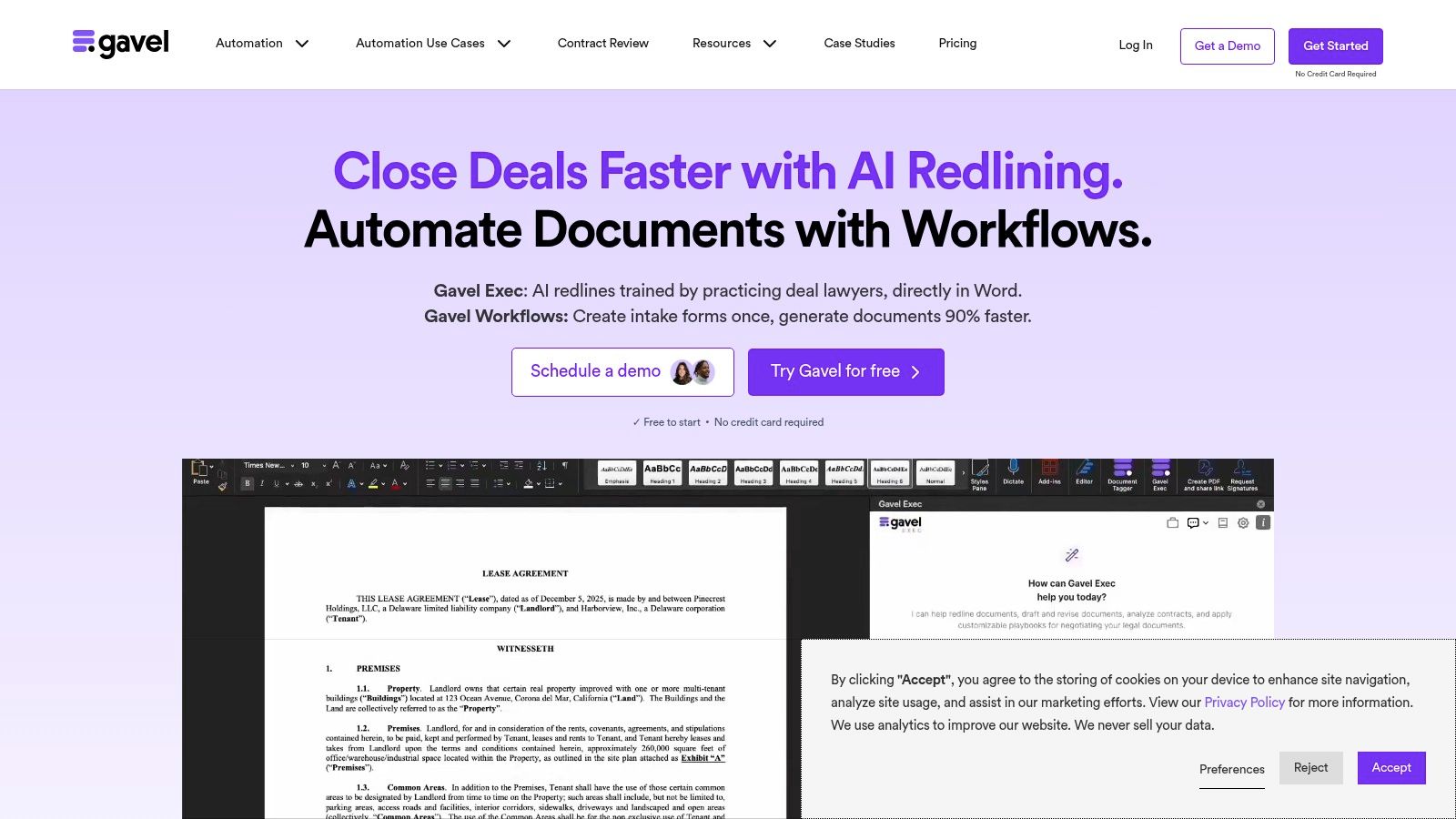
This platform is particularly well-suited for solo practitioners and small to mid-sized firms that want to avoid a steep learning curve. The intuitive interface allows users to build complex, logic-driven document sets using conditional logic, calculations, and repeating items without needing any coding expertise. Firms can leverage this for everything from initial retainer agreements to complex discovery requests, making it a versatile tool for various practice areas. This focus on accessibility is a key part of an effective legal workflow automation strategy.
Key Features & Use Cases
- Client-Facing Portals: Create branded, secure portals where clients can input information, make payments, and e-sign documents through DocuSign integration.
- Advanced Logic: Build sophisticated questionnaires with nested conditional logic and mathematical calculations, perfect for personal injury demand letters that require damage calculations.
- Integrations: Connects seamlessly with essential firm tools like Clio Manage via a robust API and Zapier, ensuring data flows smoothly between systems.
- AI Redlining (Gavel Exec): An optional add-on that uses AI to redline and analyze Word documents, accelerating the contract review process for higher-tier users.
Pricing & Implementation
Gavel offers transparent, tiered pricing starting with a "Basic" plan and scaling to "Pro" and "Enterprise" levels, with a free trial available to test functionality. The main limitations between tiers are the number of templates and workflows you can create. Implementation is straightforward, thanks to strong onboarding support and a rich library of tutorials. Firms can typically get their first automated document live within a few hours.
| Feature | Gavel (Pro Plan) |
|---|---|
| Ideal For | Solo to mid-size firms wanting fast deployment |
| Core Strength | No-code workflow builder, client-facing portals |
| Pricing Model | Tiered SaaS subscription, free trial |
| HIPAA Compliant | Yes, available on higher-tier plans |
| Website | https://www.gavel.io/ |
3. Thomson Reuters Contract Express
Thomson Reuters Contract Express is an enterprise-grade solution designed for large law firms and corporate legal departments that require robust governance and scalability. Its primary strength is its deep integration within the broader Thomson Reuters ecosystem, including Practical Law and the HighQ collaboration platform. The software empowers legal teams to transform frequently used documents into standardized, reusable templates directly within Microsoft Word using a low-code authoring add-in.
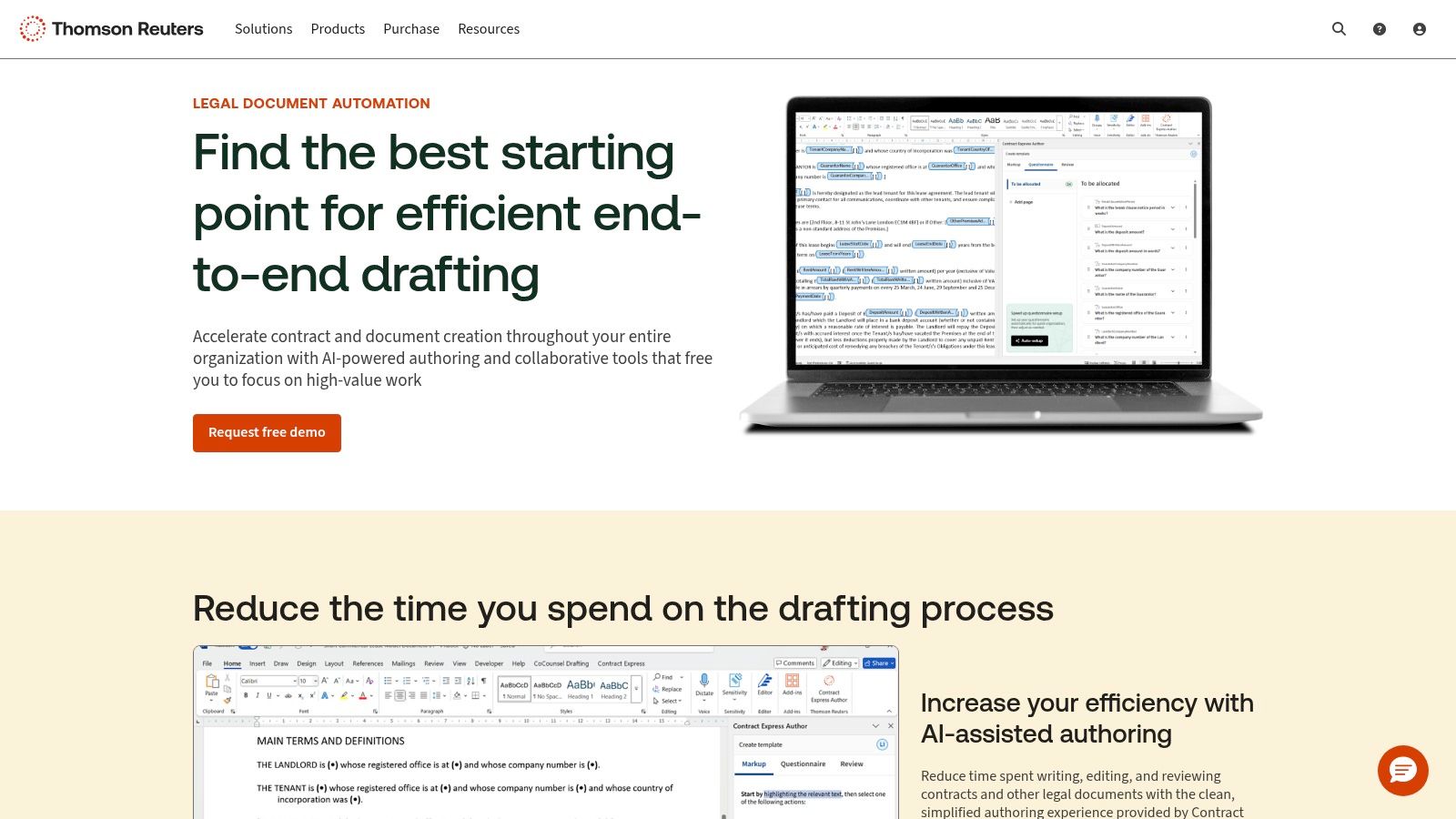
This platform excels at managing complex document suites where consistency and compliance are paramount. Users generate documents through guided questionnaires, minimizing errors and ensuring adherence to firm standards. The recent addition of generative-AI-assisted authoring further streamlines the template creation process. While it represents a powerful option in the landscape of the best legal document automation software, its comprehensive nature and quote-based pricing model make it better suited for larger organizations rather than solo practitioners or small firms seeking a lightweight, plug-and-play tool.
Key Features & Use Cases
- Deep Ecosystem Integration: Natively connects with Practical Law for pre-automated templates and HighQ for client collaboration and workflow management.
- Word-Native Authoring: Allows users to create and manage templates using a powerful add-in for Microsoft Word, providing a familiar authoring environment.
- AI-Assisted Authoring: Utilizes generative AI to help build templates more quickly and offers an in-product AI chat for support, accelerating deployment.
- DMS and System Connectivity: Integrates with leading Document Management Systems like iManage and NetDocuments, fitting seamlessly into established enterprise tech stacks.
Pricing & Implementation
Contract Express utilizes a quote-based pricing model tailored to the specific needs and scale of the organization. Implementation is typically a structured project involving Thomson Reuters' support and professional services teams to ensure successful adoption and integration. This structured approach, while thorough, means it is not an immediate, self-service solution and requires a planned rollout.
| Feature | Thomson Reuters Contract Express |
|---|---|
| Ideal For | Large law firms and corporate legal departments |
| Core Strength | Enterprise-grade security, ecosystem integration |
| Pricing Model | Quote-based, enterprise subscription |
| HIPAA Compliant | Yes, designed for enterprise security needs |
| Website | https://legal.thomsonreuters.com/en/products/contract-express |
4. NetDocuments PatternBuilder / PatternBuilder MAX (ndMAX)
For law firms deeply integrated into the NetDocuments ecosystem, PatternBuilder offers a powerful, native solution for document automation. Its primary advantage is its seamless embedding within the NetDocuments Document Management System (DMS), allowing firms to build and deploy automated workflows without ever leaving their core content platform. This keeps automation, storage, and governance consolidated under a single, highly secure umbrella.
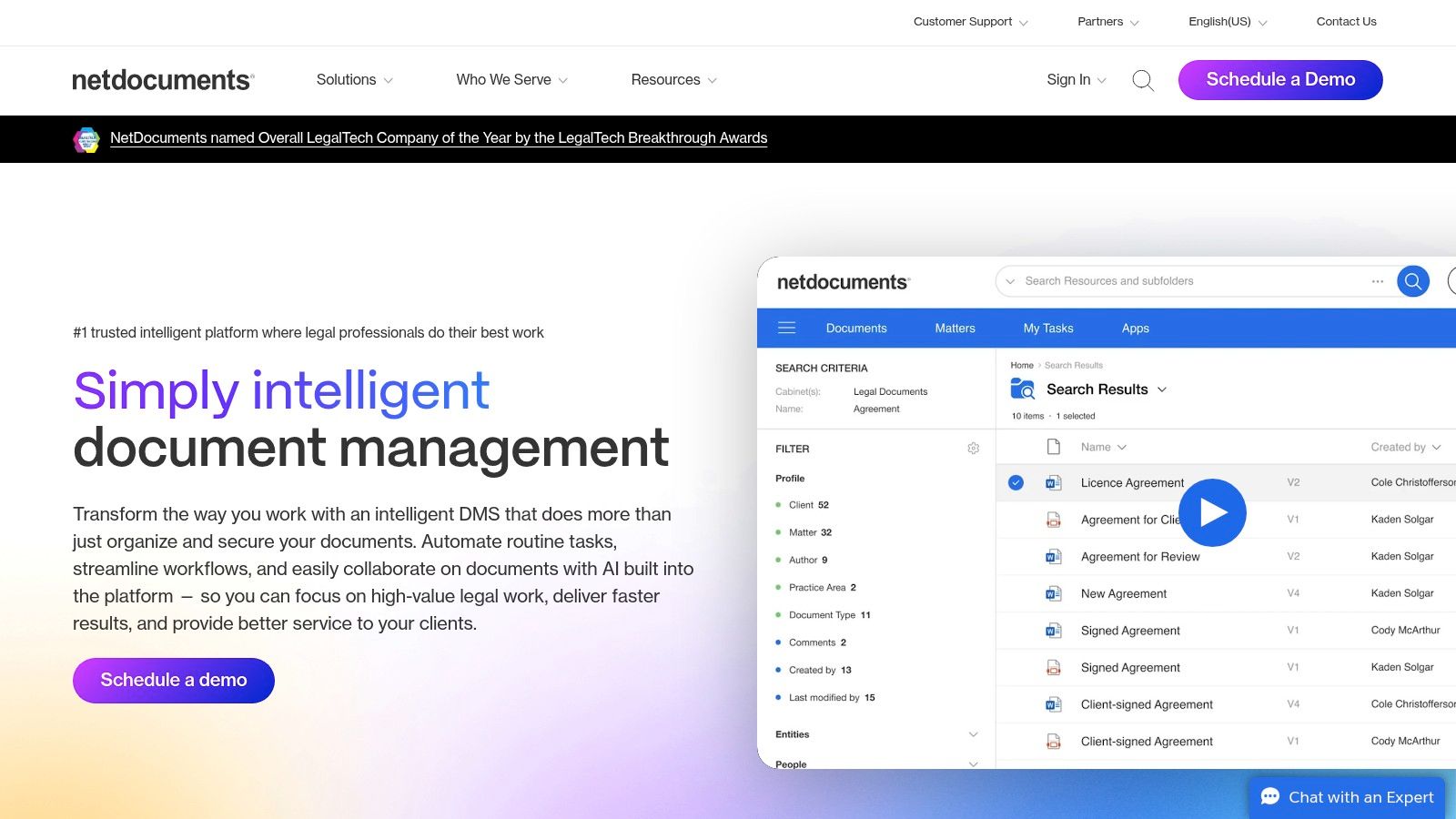
The platform is designed for firm-wide scale, leveraging existing NetDocuments security protocols and user permissions. With the introduction of PatternBuilder MAX (part of the ndMAX generative AI suite), firms can now create sophisticated "Studio Apps" that perform tasks like document summarization, contract analysis, and AI-assisted drafting. This positions it as a strong contender for firms prioritizing security and looking to leverage AI within their existing DMS, making it a comprehensive choice among the best legal document automation software.
Key Features & Use Cases
- Native DMS Integration: Build, store, and launch automated documents directly from NetDocuments workspaces, ensuring all content adheres to firm governance policies.
- No-Code Automation: Empowers paralegals and attorneys to create rule-based templates for engagement letters, pleadings, and discovery shells without IT dependence.
- PatternBuilder MAX (ndMAX): Utilizes generative AI to build "Studio Apps" for advanced tasks like summarizing depositions, extracting key dates from complaints, or drafting initial responses.
- Firm-Wide Scalability: Designed to be rolled out across entire practice groups or the whole firm, with robust API and rollout resources available.
Pricing & Implementation
Pricing for PatternBuilder is not publicly listed, as it is sold as an add-on module to a core NetDocuments subscription. Implementation requires careful planning and change management, typical for enterprise-grade software, to ensure it aligns with existing information governance policies. NetDocuments provides webinars and dedicated support programs to facilitate a smooth rollout.
| Feature | NetDocuments PatternBuilder |
|---|---|
| Ideal For | Mid-to-large firms already using the NetDocuments DMS |
| Core Strength | Native integration, enterprise security, and generative AI |
| Pricing Model | Add-on to NetDocuments subscription |
| HIPAA Compliant | Yes, inherits compliance from the core NetDocuments platform |
| Website | https://www.netdocuments.com/ |
5. Clio Draft (formerly Lawyaw)
Clio Draft, the platform formerly known as Lawyaw, is a cloud-based solution deeply embedded within the Clio ecosystem. Its primary strength lies in transforming standard Microsoft Word documents into smart, reusable templates and providing an extensive, up-to-date library of state and federal court forms. This makes it an excellent choice for litigation-heavy practices, particularly those already utilizing Clio for practice management.
The platform is purpose-built for firms seeking to streamline the creation of routine legal filings and standard client documents. Its tight integration with Clio Manage allows for seamless data syncing, pulling client and matter information directly into templates to minimize manual entry and reduce errors. This unified approach positions it as a key component of an effective tech stack, especially when paired with top-tier legal practice management software.
Key Features & Use Cases
- Automated Court Forms: Access a comprehensive, 50-state library of fillable court forms that are automatically updated, saving significant administrative time for litigation teams.
- Word Template Automation: Convert existing firm documents into intelligent templates that can be populated through dynamic, shareable questionnaires.
- Clio Ecosystem Integration: Pull matter details directly from Clio Manage into documents and save completed files back to the appropriate matter with a single click.
- E-Signature Support: Built-in e-signature capabilities streamline the execution of documents like retainer agreements and settlement forms without leaving the platform.
Pricing & Implementation
Clio Draft's pricing is integrated into Clio's suite of products, making it most cost-effective for existing Clio customers. It is typically bundled within higher-tier Clio Manage plans or available as an add-on. Implementation is straightforward for Clio users, with a centralized login and ample support resources. New users can get templates and forms operational very quickly, often within the same day.
| Feature | Clio Draft |
|---|---|
| Ideal For | Small to mid-size firms heavily using Clio Manage |
| Core Strength | Automated court forms, deep Clio integration |
| Pricing Model | Add-on or bundled with Clio Suite subscription |
| HIPAA Compliant | Yes, as part of the Clio ecosystem |
| Website | https://www.clio.com/draft/ |
6. Woodpecker
Woodpecker stands out as a lightweight and intuitive Microsoft Word-native add-in, making it a strong contender for solo practitioners and small firms deeply embedded in the Microsoft ecosystem. Its core value proposition is its simplicity and direct integration with Word, allowing users to start automating repetitive documents with a minimal learning curve. The platform enables legal professionals to transform standard templates into smart, dynamic documents using conditional logic, variables, and formulas directly within an environment they already know.
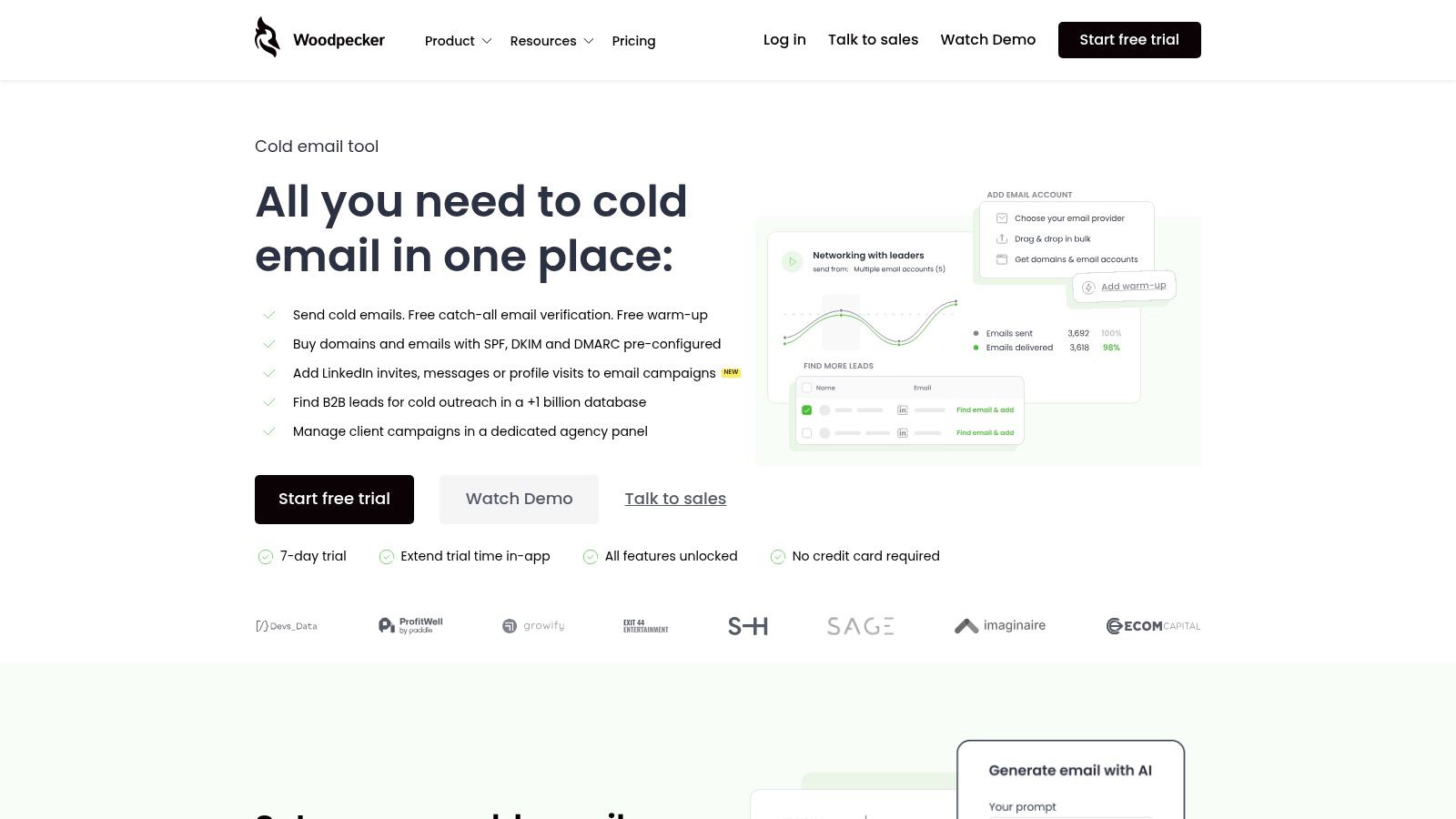
This Word-first approach makes it one of the best legal document automation software options for firms seeking quick wins without a complex implementation process. By focusing on essential features, Woodpecker allows a paralegal or attorney to rapidly automate documents like engagement letters, simple motions, or standard discovery requests. The ability to create online questionnaires for client data intake further extends its utility, streamlining information gathering without forcing users to leave their familiar software suite.
Key Features & Use Cases
- Native Word Integration: Build and manage automated templates directly within Microsoft Word, eliminating the need to learn a new, separate interface.
- Online Questionnaires: Generate web-based forms from your templates to collect client information efficiently, which then populates directly into your documents.
- Conditional Logic: Incorporate IF/THEN rules to include or exclude specific clauses or paragraphs based on case data, ideal for creating multiple versions of a single document.
- Free Trial & Support: Offers a free trial and is known for its responsive customer support and training resources, lowering the barrier to entry for smaller firms.
Pricing & Implementation
Woodpecker uses a straightforward, user-based subscription model with different tiers available. Pricing is competitive, appealing to cost-sensitive firms. Because it operates as a Word add-in, implementation is as simple as installing the tool and following the vendor's ample training materials. Most users can automate their first document in under an hour, making the time-to-value exceptionally fast.
| Feature | Woodpecker |
|---|---|
| Ideal For | Solo and small firms heavily reliant on Microsoft Word |
| Core Strength | Simplicity and native Word add-in functionality |
| Pricing Model | Per-user SaaS subscription, free trial available |
| HIPAA Compliant | No |
| Website | https://woodpecker.app |
7. XpressDox
XpressDox stands out as a highly flexible and feature-rich platform designed for firms that want to balance low-code accessibility with powerful, advanced automation capabilities. It empowers users to author complex templates directly within Microsoft Word, using an extensive library of commands to manage sophisticated logic. This approach is ideal for firms that need precise control over document generation, from standard correspondence to intricate settlement agreements and court pleadings.
The platform offers multiple deployment options, allowing firms to run interviews from their desktop, a web browser, or integrate the service via its API. This versatility makes XpressDox a strong contender in the market for the best legal document automation software, catering to both small firms seeking straightforward Word integration and larger enterprises needing scalable, cloud-based solutions. While its extensive command set presents a learning curve for creating the most complex templates, its power is undeniable for those who master it.
Key Features & Use Cases
- Hybrid Authoring: Create and manage templates directly in Word, leveraging both low-code tools and a library of over 330 commands for unparalleled control.
- Flexible Interviews: Generate documents from interviews run in the Word add-in, a web browser, or integrated into platforms like Microsoft Teams and various document management systems.
- Multiple Output Formats: Assemble final documents into Word, PDF, or directly into the body of an Outlook email, streamlining client communication workflows.
- AI Assistance: Utilizes an "AutoCode AI" feature to help authors identify and insert the correct automation commands, speeding up template development.
Pricing & Implementation
XpressDox offers transparent, per-user SaaS pricing with different tiers that unlock more advanced features, integrations, and support levels. The initial setup is straightforward for basic document automation within Word. Firms planning to leverage its full command library or API will need to invest time in training, but the platform provides substantial documentation and support to facilitate this process.
| Feature | XpressDox (Cloud) |
|---|---|
| Ideal For | Firms needing powerful template authoring in Word |
| Core Strength | Extensive command library and flexible deployment |
| Pricing Model | Per-user SaaS subscription |
| HIPAA Compliant | Available on request, typically for enterprise plans |
| Website | https://xpressdox.com/ |
8. Formstack Documents (formerly WebMerge)
Formstack Documents, previously known as WebMerge, operates as a versatile, no-code document generation engine. Its primary advantage is its ability to connect with a vast ecosystem of other applications, allowing firms to automatically create polished legal documents like NDAs, fee agreements, and settlement notices from data housed in CRMs, spreadsheets, or online forms. This makes it a strong contender for firms that need to integrate document creation into existing, non-legal-specific business workflows.
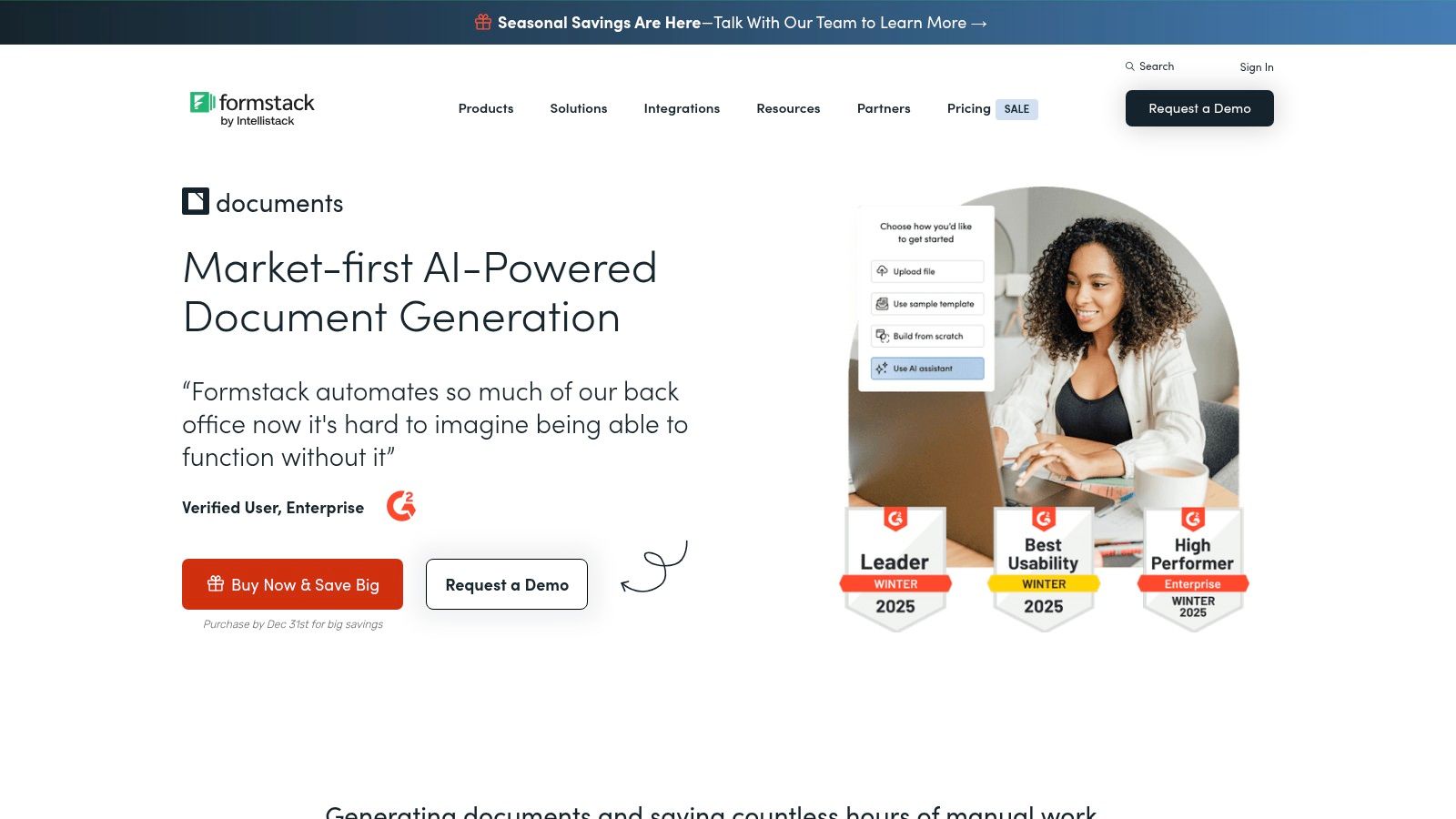
While not built exclusively for the legal industry, its flexibility makes it a powerful piece of the best legal document automation software puzzle, especially when paired with Formstack's other products like Forms and Sign. This "suite" approach allows firms to build end-to-end solutions, from client intake data collection to final e-signature, without needing to patch together multiple vendors. The platform excels at routing documents for approval and can generate multiple document types from a single data source, streamlining complex client onboarding or case-closing packets.
Key Features & Use Cases
- Broad Integration Library: Connects with hundreds of web apps, including Salesforce, and offers a robust API and Zapier integration for custom workflows.
- Conditional Content: Automatically includes or excludes specific clauses or paragraphs in a document based on the data provided, ideal for tailoring contracts.
- Data Routing: Sends generated documents to various delivery options simultaneously, such as cloud storage like Google Drive and e-signature platforms like DocuSign.
- HIPAA-Friendly Options: Offers HIPAA-compliant solutions on higher-tier plans, a critical requirement for firms handling protected health information (PHI).
Pricing & Implementation
Formstack offers tiered pricing based on the number of document merges per month, starting with a "Pro" plan. A free trial is available to test the platform's capabilities. Implementation is generally quick due to its user-friendly interface and extensive documentation. However, achieving deep, complex integrations may require some technical expertise or reliance on a third-party implementation partner.
| Feature | Formstack Documents (Pro Plan) |
|---|---|
| Ideal For | Firms needing strong integration with non-legal CRMs |
| Core Strength | Wide-ranging integrations and multi-document output |
| Pricing Model | Tiered SaaS, based on monthly document merge volume |
| HIPAA Compliant | Yes, available on higher-tier plans |
| Website | https://www.formstack.com/documents |
9. Docassemble
Docassemble is a powerful, open-source platform designed for building sophisticated, logic-driven interviews that generate documents. Unlike typical SaaS products, it offers unparalleled flexibility and control, making it a top choice for legal aid organizations, courts, and tech-savvy firms with specific, high-volume needs. It enables the creation of complex workflows using a combination of YAML and Python, allowing for deep customization that goes far beyond standard template builders.
The primary advantage of Docassemble is its extensibility. Firms can self-host the platform for complete data sovereignty and avoid per-user license fees, a significant cost-saver for large teams. While it demands technical expertise for setup and maintenance, the payoff is a highly scalable system that can be tailored to exact specifications. This makes it one of the most powerful, if not the most user-friendly, options for best legal document automation software available.
Key Features & Use Cases
- Open-Source Flexibility: Because it's open-source, developers can modify the core code, integrate with any API, and build custom features without vendor limitations.
- Complex Logic: Utilizes Python scripting to handle extremely complex conditional logic, calculations, and data loops, ideal for intricate court filings or multi-jurisdictional forms.
- Self-Hosting Control: Provides the option to host on your own servers, ensuring full compliance with data privacy and security requirements like HIPAA without relying on a third-party vendor.
- Robust Integrations: Capable of integrating with virtually any system through its API, including case management software, e-signature platforms, and payment processors.
Pricing & Implementation
As an open-source platform, Docassemble itself is free; costs are associated with hosting, development, and maintenance. Firms can self-host on servers like AWS or use a third-party hosting provider for a managed experience. Implementation is a significant project requiring a developer or a team with Python and server administration skills. It is not a plug-and-play solution and lacks official vendor support, though a strong community and consultant network exist.
| Feature | Docassemble |
|---|---|
| Ideal For | Legal aid, courts, and tech-forward firms with development resources |
| Core Strength | Unmatched customization, scalability, and no per-user license fees |
| Pricing Model | Free (open-source), with costs for hosting and technical implementation |
| HIPAA Compliant | Yes, when self-hosted on a compliant server environment |
| Website | https://docassemble.org/ |
10. Knackly
Knackly is a legal-focused, no-code automation platform designed to streamline the creation of complex document sets. Its primary appeal lies in its straightforward approach to converting existing templates into efficient, repeatable workflows. The platform allows firms to build external-facing questionnaires and guided interviews, simplifying client data intake for practice areas like estate planning and family law.
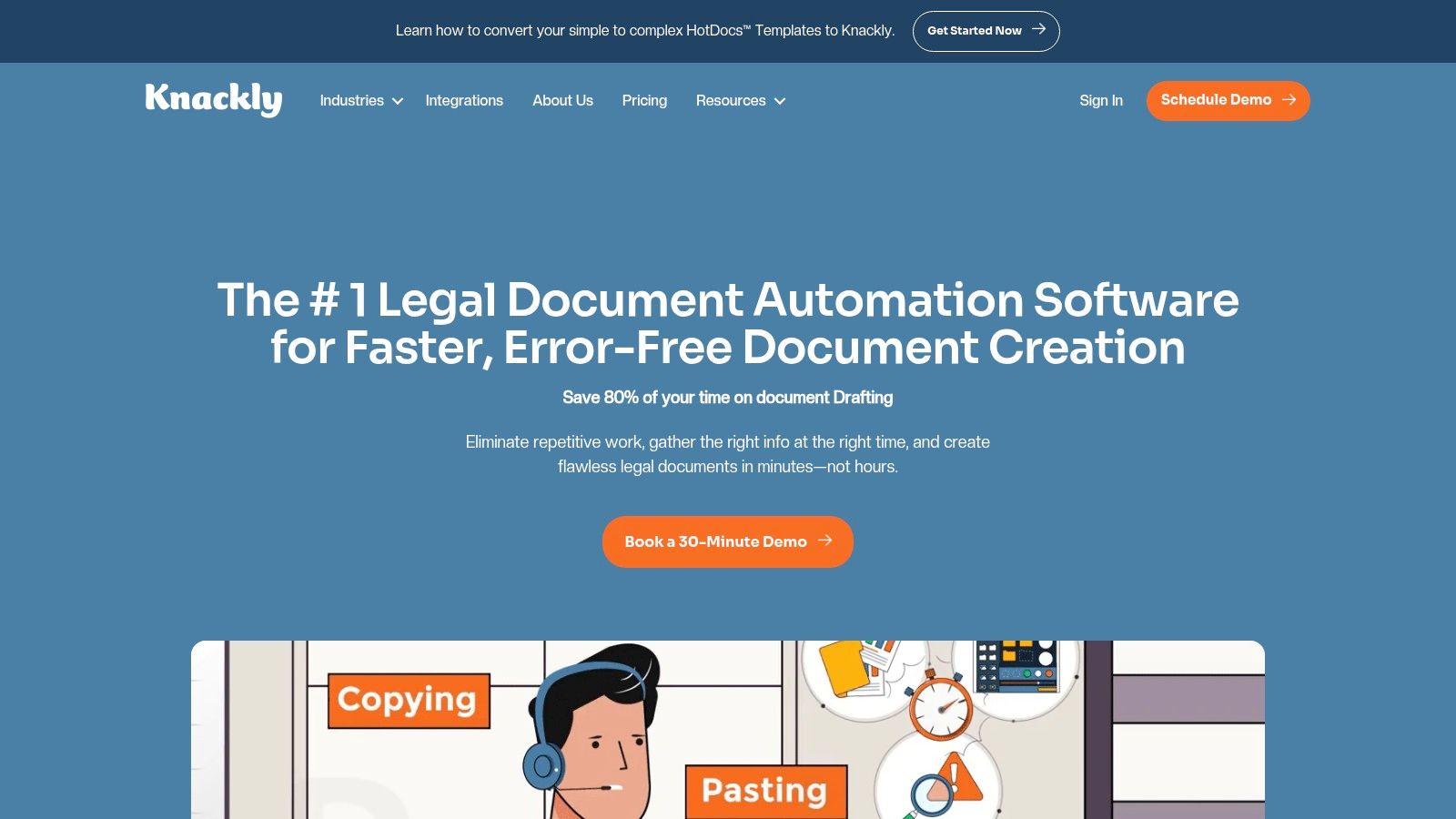
This platform stands out for firms that prefer a supported implementation experience. Knackly offers significant onboarding assistance, including help with converting HotDocs templates, and even provides a "done-for-you" service where their team builds and maintains the automations. This makes it an excellent choice for firms without dedicated IT staff or those looking to implement the best legal document automation software with minimal internal effort. It bridges the gap between a DIY tool and a fully managed service.
Key Features & Use Cases
- External Client Intakes: Develop client-facing forms and guided interviews to capture necessary information directly and accurately, reducing manual data entry.
- Vendor-Built Automations: For firms short on time, Knackly offers a service to build and maintain the document workflows, ensuring a professional and efficient setup.
- Core Integrations: Connects with key legal tech tools like Clio, as well as broader applications through Zapier, OneDrive, and a dedicated API on higher plans.
- PDF and Word Outputs: Retains flexibility by allowing firms to generate final documents in both standard Word and PDF formats based on workflow needs.
Pricing & Implementation
Knackly provides transparent, tiered pricing that includes a set number of users in each plan, simplifying cost forecasting. The main limitations between tiers are the monthly record limits and access to advanced features like the API. For firms migrating from other systems, the offer to assist with HotDocs conversion is a significant implementation advantage, reducing the initial setup burden.
| Feature | Knackly (Team Plan) |
|---|---|
| Ideal For | Firms needing supported implementation or done-for-you service |
| Core Strength | Guided interviews, vendor-built automations, clear pricing |
| Pricing Model | Tiered SaaS subscription with record limits |
| HIPAA Compliant | Yes, available on higher-tier plans |
| Website | https://knackly.io/ |
11. Mitratech HotDocs
Mitratech HotDocs is a long-standing market leader in the legal document automation software space, renowned for its enterprise-grade capabilities. It excels at handling highly complex, rule-based document assembly and is engineered for high-volume generation. The platform uses a powerful desktop authoring tool to build sophisticated templates which can then be deployed via the cloud or an on-premise server, offering flexibility for firms with specific security or infrastructure requirements.
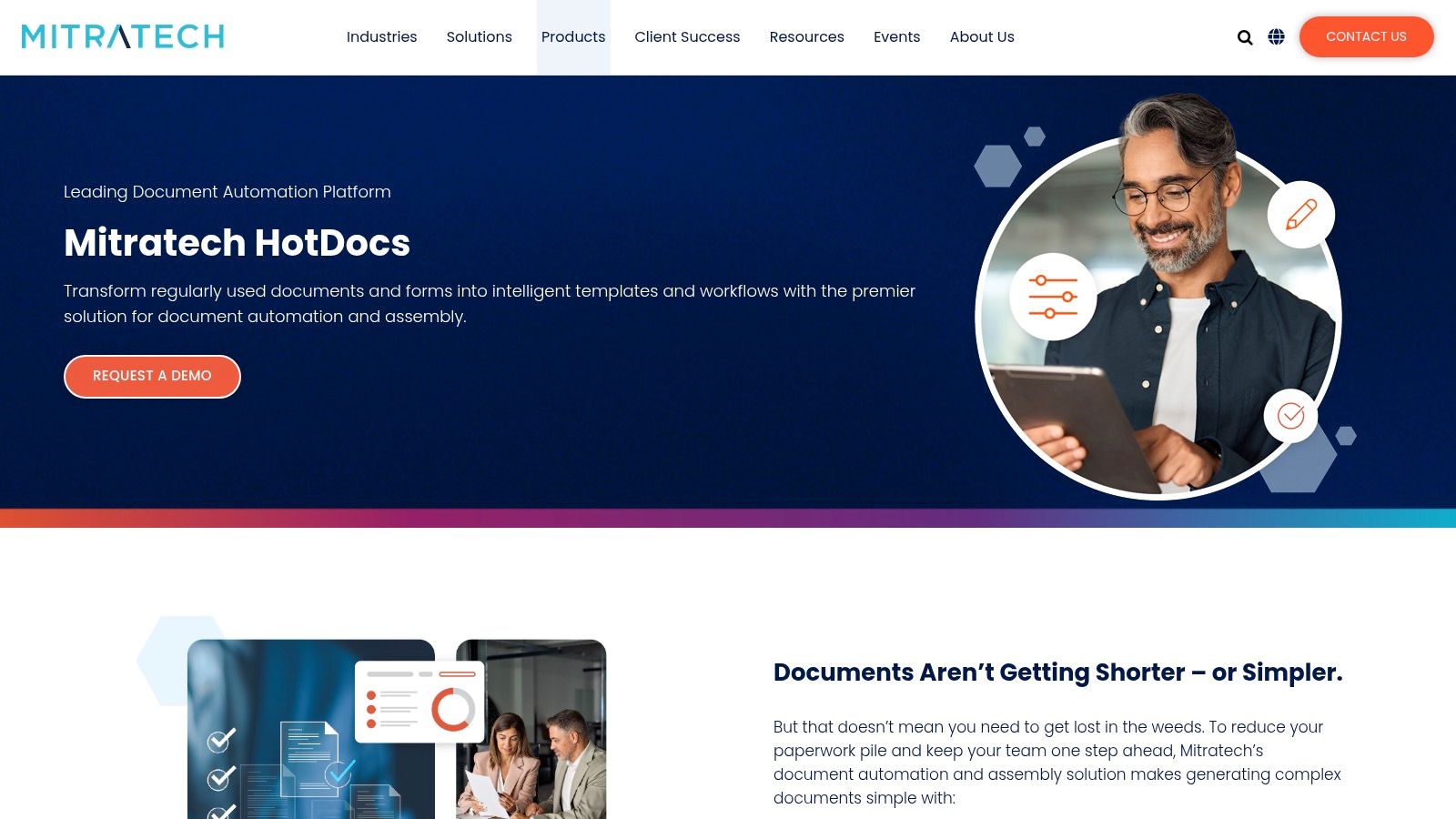
This solution is best suited for large law firms or corporate legal departments that need to standardize complex document sets across the entire organization. Unlike no-code platforms, HotDocs utilizes its own scripting language, allowing for unparalleled control and logic customization. This makes it ideal for generating intricate estate plans, multi-jurisdictional contracts, or voluminous discovery shells where precision and conditional content are critical. Its 30-year history means it is supported by a wide ecosystem of expert consultants and integrators.
Key Features & Use Cases
- Sophisticated Logic: Employs advanced scripting for complex calculations, nested logic, and dynamic clause insertion, perfect for elaborate commercial litigation or M&A documents.
- Bulk Generation: Capable of generating thousands of customized documents from a single data source, a key feature for mass tort or class action practices.
- Centralized Template Management: Provides a secure, central repository for all templates, ensuring version control and consistent use across the firm.
- Robust Integrations: Offers an open API and pre-built connectors for major Document Management Systems (DMS) and Practice Management platforms.
Pricing & Implementation
HotDocs operates on a quote-based pricing model and typically requires a formal implementation project guided by Mitratech or a certified partner. The initial investment is higher than many SaaS alternatives, and the learning curve for template authors is steeper due to its powerful scripting environment. The platform delivers its best value at scale, where the investment is justified by significant efficiency gains in high-volume, complex document workflows.
| Feature | Mitratech HotDocs |
|---|---|
| Ideal For | Large firms, corporate legal, high-volume document needs |
| Core Strength | Unmatched complexity handling, bulk generation, on-premise option |
| Pricing Model | Quote-based, enterprise licensing |
| HIPAA Compliant | Yes, with appropriate deployment |
| Website | https://mitratech.com/products/hotdocs |
12. Litera Create
Litera Create is an enterprise-grade solution designed for large law firms that require robust governance and standardization in their document creation processes. Rather than operating as a standalone questionnaire builder, it integrates deeply within Microsoft Word, allowing users to pull from firm-approved templates and clause libraries directly while drafting. This approach ensures consistency and compliance across complex legal documents, from M&A agreements to sophisticated litigation filings.
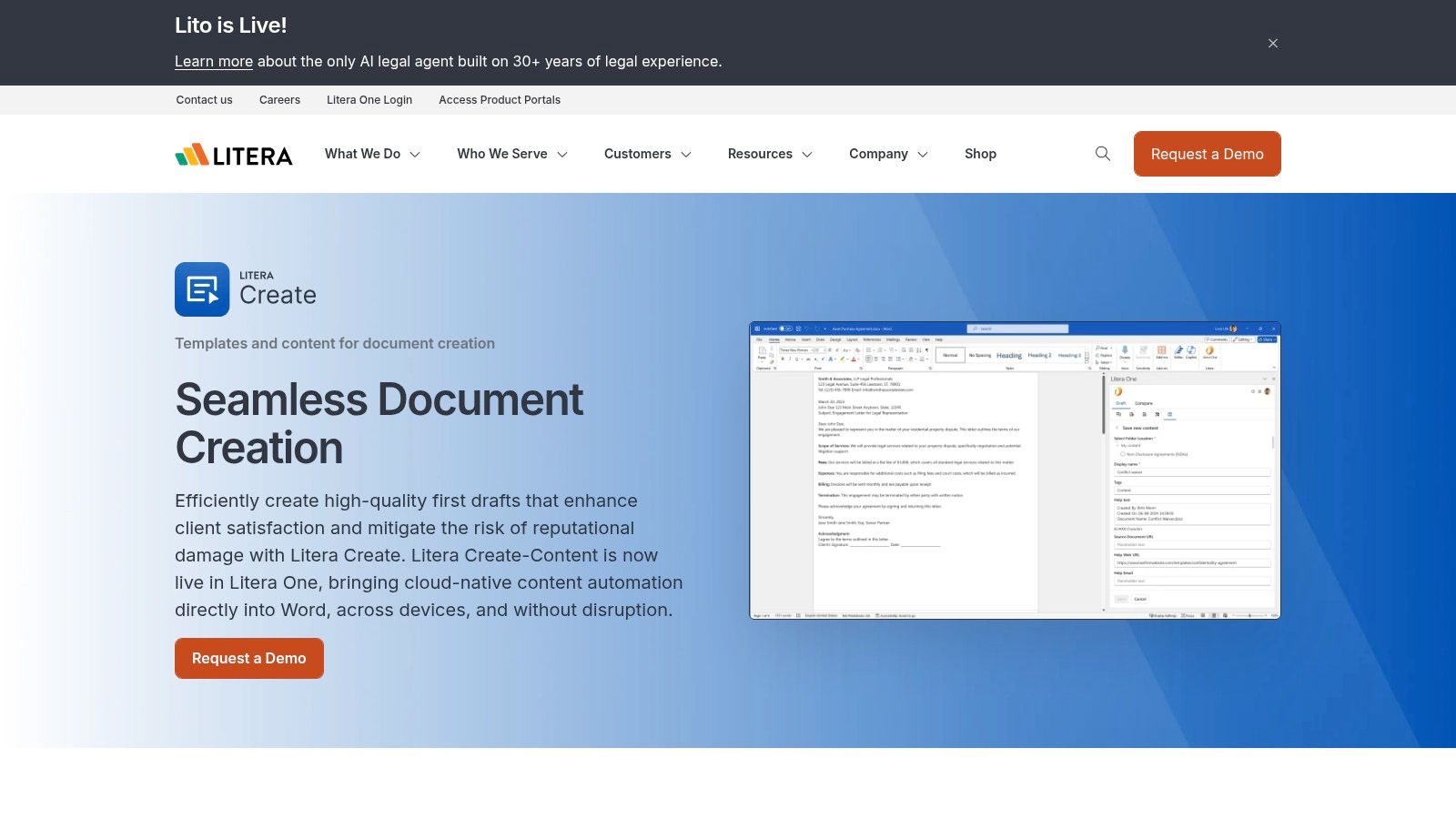
This platform is ideal for firms aiming to enforce drafting standards and leverage institutional knowledge at scale. Its strength lies in its ability to manage enterprise-wide content, control versions, and automate tedious formatting tasks like numbering and table of contents generation. For firms heavily invested in the broader Litera ecosystem, it provides seamless connections to other tools for review and analysis, making it a powerful component in a comprehensive tech stack.
Key Features & Use Cases
- Enterprise Template & Clause Libraries: Centralize and manage firm-wide templates and pre-approved clauses with conditional logic, accessible directly within Word.
- Drafting & Anonymization Tools: Automates complex numbering, cross-referencing, and table of contents creation, while also providing tools to clean metadata and anonymize documents.
- Deep Litera Ecosystem Integration: Connects with other Litera products like Kira (for analysis) and Foundation (for firm intelligence), creating a unified drafting environment.
- GenAI Content Capabilities: Emerging features use generative AI to assist with content discovery and initial draft creation, accelerating the start of the drafting process.
Pricing & Implementation
Litera Create operates on a quote-based pricing model tailored for enterprise and firm-wide deployments, so it is not suitable for solo or small firms seeking off-the-shelf software. Implementation is a significant project that requires dedicated change management to standardize firm templates and drive user adoption. Litera provides extensive vendor services and professional resources to support this deployment and ensure a successful rollout.
| Feature | Litera Create |
|---|---|
| Ideal For | Large law firms and enterprises needing governance |
| Core Strength | Deep MS Word integration, centralized template control |
| Pricing Model | Quote-based enterprise subscription |
| HIPAA Compliant | Yes, available through enterprise agreements |
| Website | https://www.litera.com/products/litera-create |
Top 12 Legal Document Automation Tools — Feature Comparison
| Product | Core features | UX / Quality metrics | Value proposition / USP | Target audience | Pricing & deployment |
|---|---|---|---|---|---|
| Ares (Recommended) | AI medical-record ingestion, extracts dates/diagnoses/treatments, demand-letter drafts, exportable medical overviews | Drag-and-drop, minutes per case; firms report 10+ hours saved; HIPAA-compliant | PI-focused end-to-end automation that speeds demand prep, gap-spotting, and stronger narratives | Personal injury attorneys, paralegals, litigation teams (solo to high-volume) | Quote-based; cloud SaaS with enterprise security (contact sales) |
| Gavel (formerly Documate) | No-code document assembly, client portals, template library, optional AI redline | Fast onboarding, clear tiered pricing, strong client intake UX | Rapid no-code automation and client-facing intake with white-labeling | Solo to mid-size US firms across many practice areas | Published tiers + free trial; cloud SaaS |
| Thomson Reuters Contract Express | Enterprise doc automation, AI-assisted authoring, guided questionnaires, Practical Law integration | Mature enterprise UX, strong governance; typically needs implementation | Deep Thomson Reuters ecosystem integrations for large teams and corporate legal | Large firms and corporate legal departments | Quote-based; on-prem/cloud options, enterprise rollout |
| NetDocuments PatternBuilder / ndMAX | No-code assembly inside NetDocuments, generative-AI apps, Studio Apps in DMS | Embedded DMS experience, centralized security and governance | Keeps automation, storage, and compliance in one secure platform | Firms already on NetDocuments; mid-to-large firms | Add-on to NetDocuments subscription; quote-based |
| Clio Draft (formerly Lawyaw) | Word template automation, dynamic questionnaires, 50-state court forms, e-sign | Quick rollout, extensive training and onboarding resources | Best-in-class court-form libraries with tight Clio Manage integration | Small to midsize firms using Clio | Pricing varies by plan; best value inside Clio ecosystem |
| Woodpecker | Word-native add-in, IF/THEN logic, dropdowns, online questionnaires | Short learning curve, vendor support and free trial | Low-cost, quick wins for repetitive Word documents | Solo practitioners and small firms | Low-cost entry; free trial; Word-centric deployment |
| XpressDox | Low-code + advanced command library, Word + web interviews, API | Flexible deployment; powerful but steeper learning for advanced templates | Balances transparent per-user pricing with deep template power | Small to large firms needing flexible, expert templating | Transparent per-user pricing; cloud or on-prem options |
| Formstack Documents | No-code generation, conditional content, routing, wide integrations, e-sign | Fast deployment, clear usage limits, Suite for end-to-end workflows | Broad integrations for CRM-to-document automation and routing | Teams needing end-to-end workflows across CRMs and e-sign | Public pricing tiers; Suite plan for Forms+Sign integration |
| Docassemble | Open-source guided interviews, YAML/Python scripting, e-sign, OCR, APIs | No license fees; requires technical setup and maintenance | Highly extensible and self-hostable for full data control | Legal aid, courts, high-volume practices, dev teams | Free open-source; hosting/consulting costs if outsourced |
| Knackly | No-code automation, client intakes, Clio/Zapier/OneDrive integrations, vendor-built option | Straightforward UX, onboarding help, vendor "done-for-you" plan | Legal-focused, easy adoption with option for vendor-built automations | Estate/family law and firms wanting quick, supported rollout | Published tiers with user/record limits; cloud SaaS |
| Mitratech HotDocs | Sophisticated scripting, bulk generation, centralized template management | Proven at scale; steep learning curve and implementation effort | Market leader for highly complex templates and high-volume automation | Large enterprises and high-volume law firms | Quote-based; desktop + cloud/server deployments; implementation required |
| Litera Create | Word-integrated clause libraries, conditional logic, governance, GenAI features | Deep Word UX, strong governance controls; enterprise adoption | Drafting-at-scale with clause management and content discovery | Large law firms and enterprise drafting teams | Quote-based; firm-wide deployments and change management required |
Making the Right Choice: From Evaluation to Implementation
Navigating the landscape of legal document automation software can feel overwhelming, but the journey from evaluation to successful implementation is a strategic process, not a game of chance. As we've explored, the "best" platform is not a one-size-fits-all solution; it is the one that aligns most precisely with your firm's unique operational needs, client demands, and long-term growth objectives. The true power of these tools is unlocked when they are chosen to solve a specific, high-value problem within your existing workflows.
For a high-volume personal injury practice, the primary bottleneck is often the tedious, manual process of extracting critical data from dense medical records to draft demand letters or prepare for discovery. While a general-purpose tool like Gavel or Clio Draft offers excellent template-based automation, a specialized, AI-driven platform like Ares provides a more direct and impactful solution by targeting this exact pain point, dramatically reducing non-billable hours and accelerating case progression.
Conversely, a firm with diverse practice areas might prioritize a platform's flexibility and integration capabilities. In this scenario, solutions like NetDocuments PatternBuilder, which leverages an existing DMS, or the user-friendly Woodpecker, which works inside Microsoft Word, could be the most logical choice. The key takeaway is to start with a clear diagnosis of your firm's biggest inefficiency before prescribing a technological solution.
Your Action Plan for Selecting the Right Software
Choosing the right partner for your firm's automation journey requires a methodical approach. Moving beyond marketing materials to truly understand a platform's capabilities is essential.
- Define Your Core Problem: Identify the single most time-consuming document-related task in your firm. Is it intake forms, demand letters, discovery requests, or complex contracts? Your answer will immediately narrow the field.
- Conduct Targeted Demos: Approach demos with a specific use case in mind. Ask vendors to demonstrate how their software would automate your documents, not just a generic template. This reveals the true ease of use and power of the platform.
- Run a Pilot Program: Before a firm-wide rollout, select a small, motivated team to test the chosen software on a limited set of real cases. Measure key metrics: time saved per document, reduction in errors, and user satisfaction. This data will build the business case for wider adoption.
- Evaluate Independent Reviews: Supplement your internal evaluation with third-party perspectives. Consulting user reviews and detailed comparisons on software marketplaces like Capterra can provide invaluable, unbiased insights into a tool's real-world performance, customer support quality, and potential limitations that vendors may not highlight.
Beyond Software: Embracing a New Process
Ultimately, successful implementation is less about the technology itself and more about a commitment to process improvement. The best legal document automation software becomes a catalyst for re-evaluating how work gets done. It empowers paralegals and attorneys to shift their focus from repetitive data entry to high-value strategic thinking, client communication, and case strategy. This transition requires buy-in from leadership, comprehensive training, and a willingness to adapt old habits.
The investment in document automation is an investment in your firm's future efficiency, profitability, and competitive edge. By starting with a clear problem, testing rigorously, and championing the new process, you can transform a significant operational burden into a powerful strategic advantage, enabling your team to deliver superior client outcomes, faster.
Ready to eliminate the most time-consuming bottleneck in your personal injury practice? Ares uses advanced AI to instantly extract data from medical records and draft comprehensive demand letters, freeing your team to focus on winning cases. Discover how the right automation can revolutionize your firm by visiting Ares and scheduling a personalized demo today.